Runs in your browser. Nothing is uploaded.
Board packs, put together in minutes.
Drop in your meeting papers, drag them into agenda order and download one PDF with a cover, a clickable contents page, page numbers and bookmarks.
- Free preview
- €12 per pack, no subscription
- No account needed
Agenda
8 papers · 15 pages
- 1Minutes of Previous Meeting2 pp
- 2CEO Report2 pp
- 3Q3 Financial Report4 pp
- 4Sales Update2 pp
- 5Hiring Plan1 pp
- 6Investment Proposal2 pp
For anyone who sends papers to a board
- Company boards
- Charity trustees
- School governors
- Committees
- AGMs
- Residents’ associations
Before and after
What goes in, and what comes out
These are the eight files our example pack was built from, with the names they arrived under. Every title on the contents page came from those filenames. Nobody retyped a thing.
What arrives
- minutes-of-previous-meeting.pdf
- CEO_Report_FINAL.pdf
- 03_Q3-financial-report_FINAL.pdf
- Sales update v2.pdf
- hiring-plan.pdf
- Investment_Proposal_FINAL.pdf
- risk-register.pdf
- any-other-business.pdf
Plus the covering email, a zip file, and the director who asks which attachment is the finance paper.
What you send
- Pages
- 25
- Papers
- 8
- Bookmarks
- 9
- Size
- 99 KB
What you get
Everything a proper board pack needs
The bits that used to take an evening in Acrobat are done for you, and they’re done the same way every time.
A contents page that’s always right
Page numbers come from the finished pack, so they match what directors see on screen and on paper. Every line links straight to its paper.
- 1Minutes of Previous Meeting3
- 2CEO Report6
- 3Q3 Financial Report9
- 4Sales Update14
Page numbers, front to back
Page 17 of 48 means the same thing to everyone in the room. Landscape pages get their number in the right place too.
Bookmarks for every paper
Open the pack on a tablet and the sidebar lists every paper. Tap one and you’re there.
Cover and dividers
The organisation, meeting, date and venue on a clean cover, and a titled divider before each paper if you want one.
Your papers stay on your device
The pack is put together by your browser. There’s no upload, so there’s no copy on anybody’s server to worry about afterwards.
How it works
Three steps, one PDF
- 1
Add your papers
Drop in the PDFs. We take a title from each filename and count the pages for you.
- 2
Put them in order
Drag them into agenda order, tidy up any titles and fill in the meeting details.
- 3
Preview, then download
Check the free watermarked preview. Happy with it? Pay once and download the clean pack.
A typical pack takes a few minutes, start to finish.
Example pack
Have a proper look before you pay
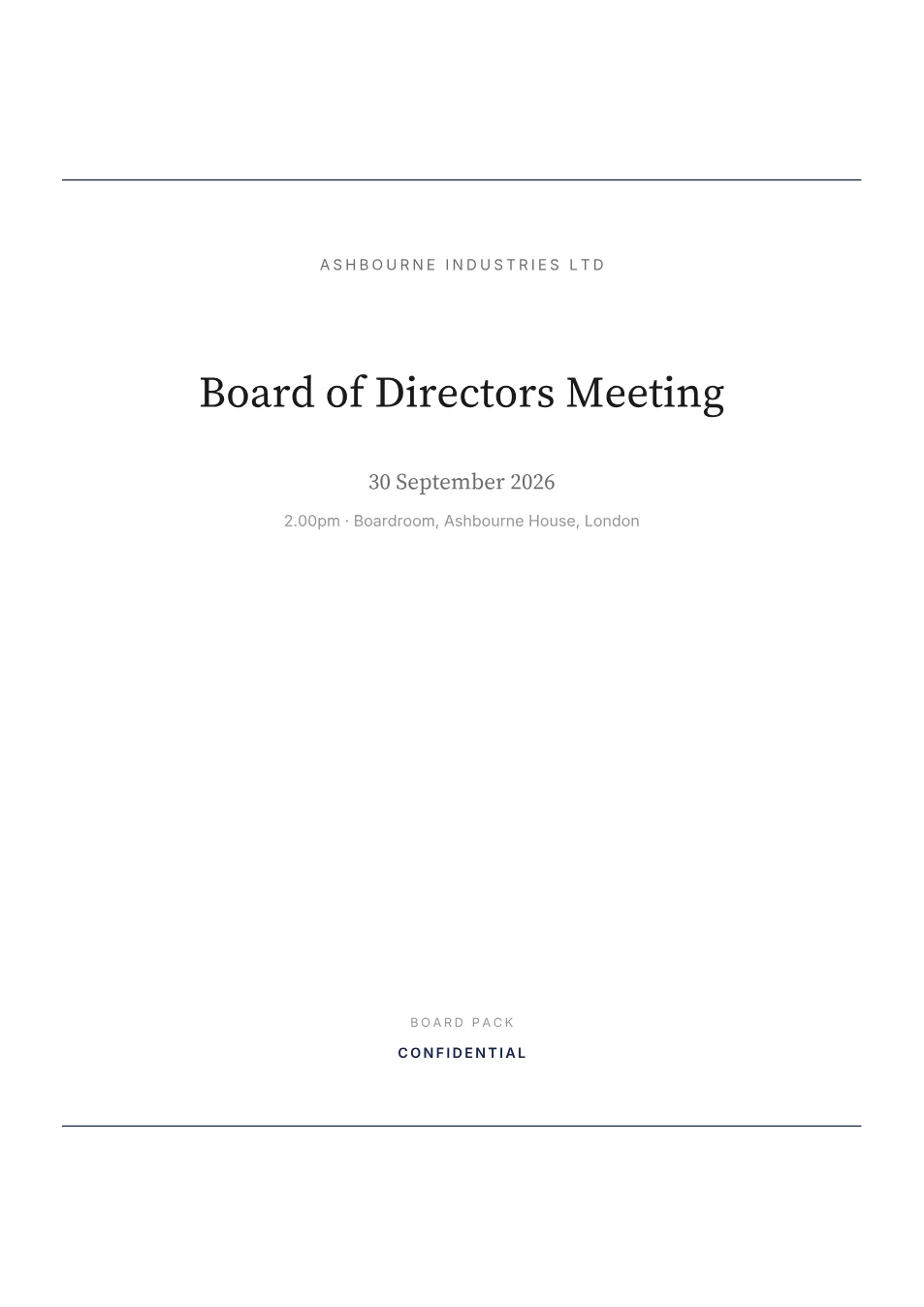
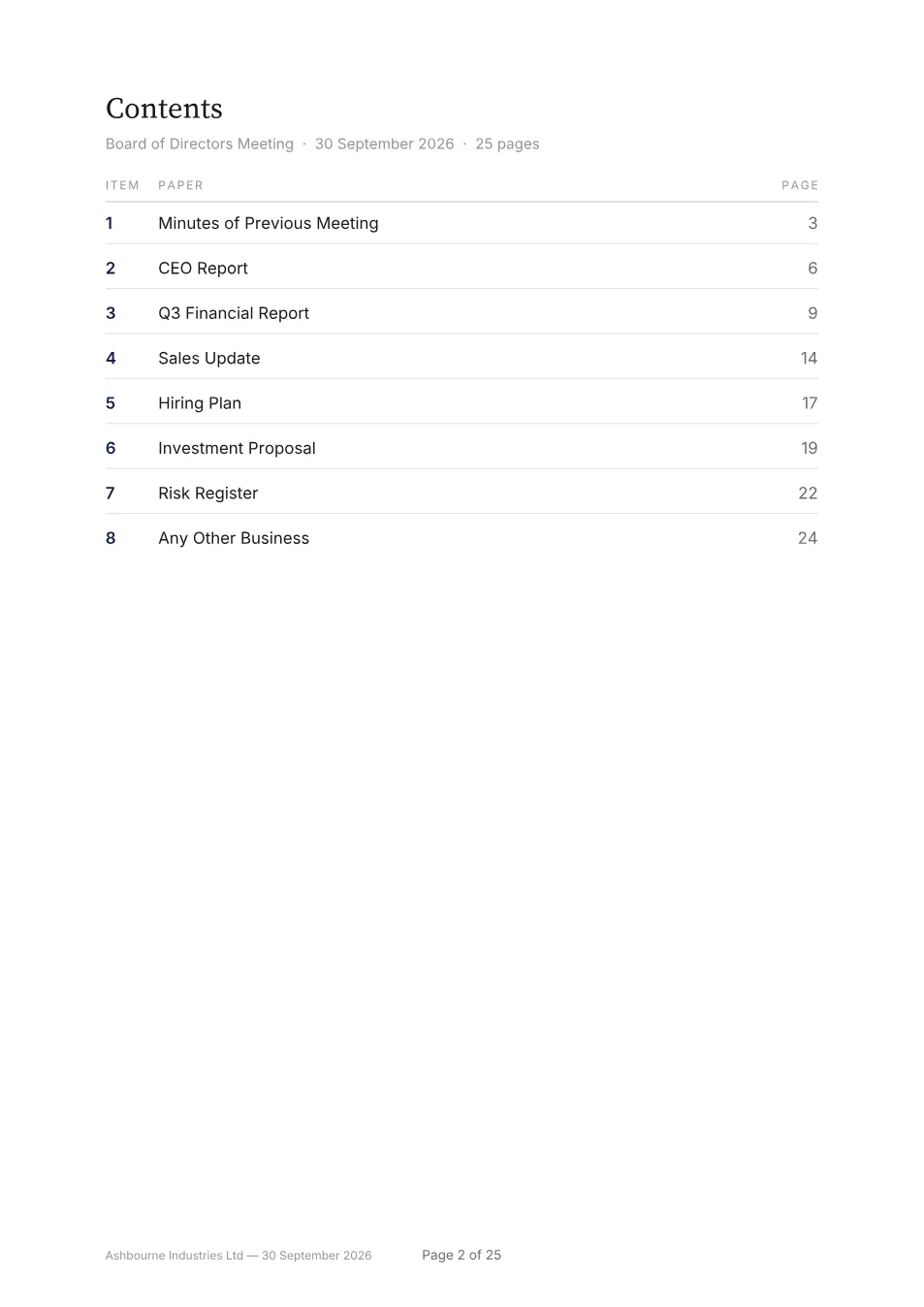
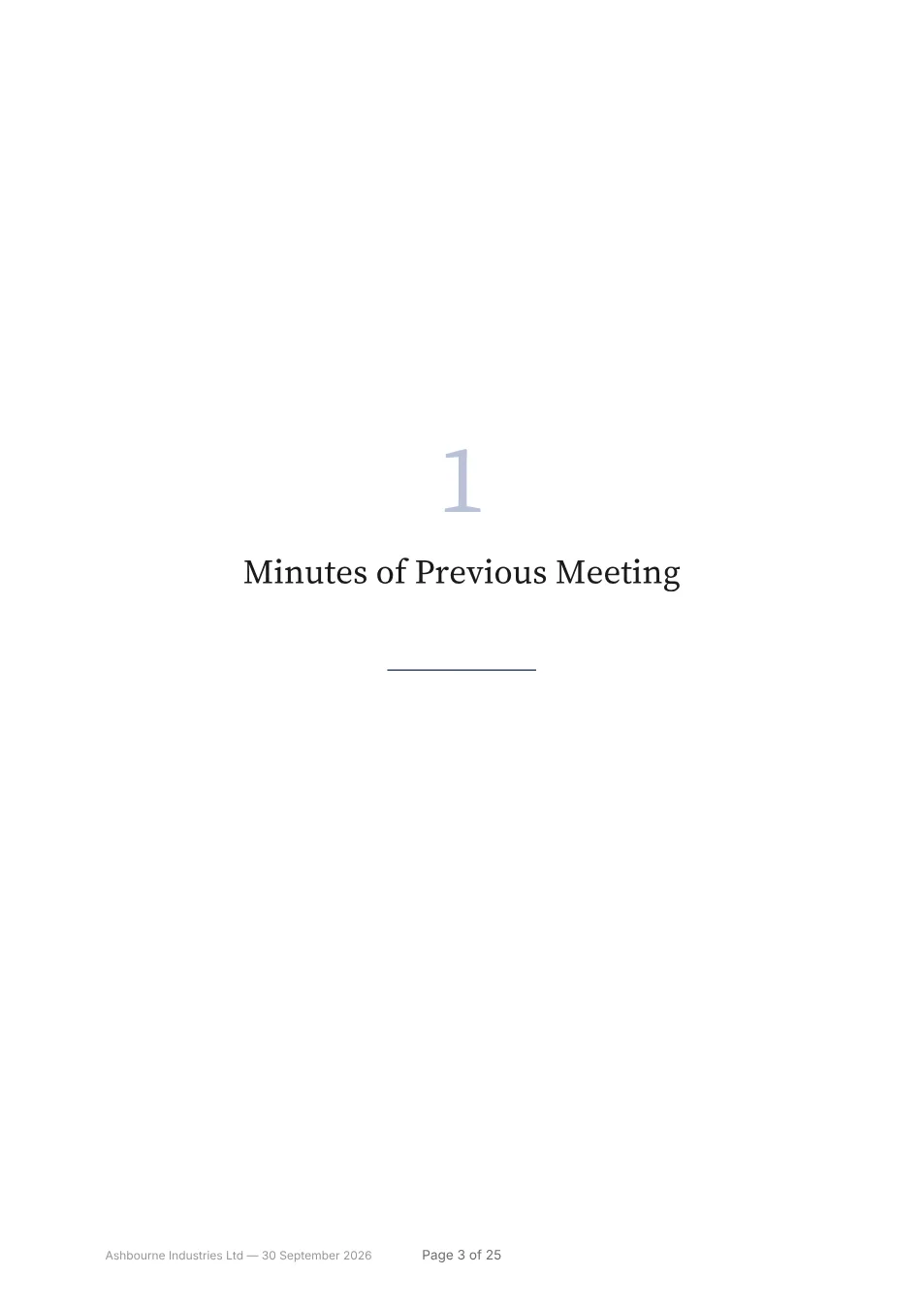
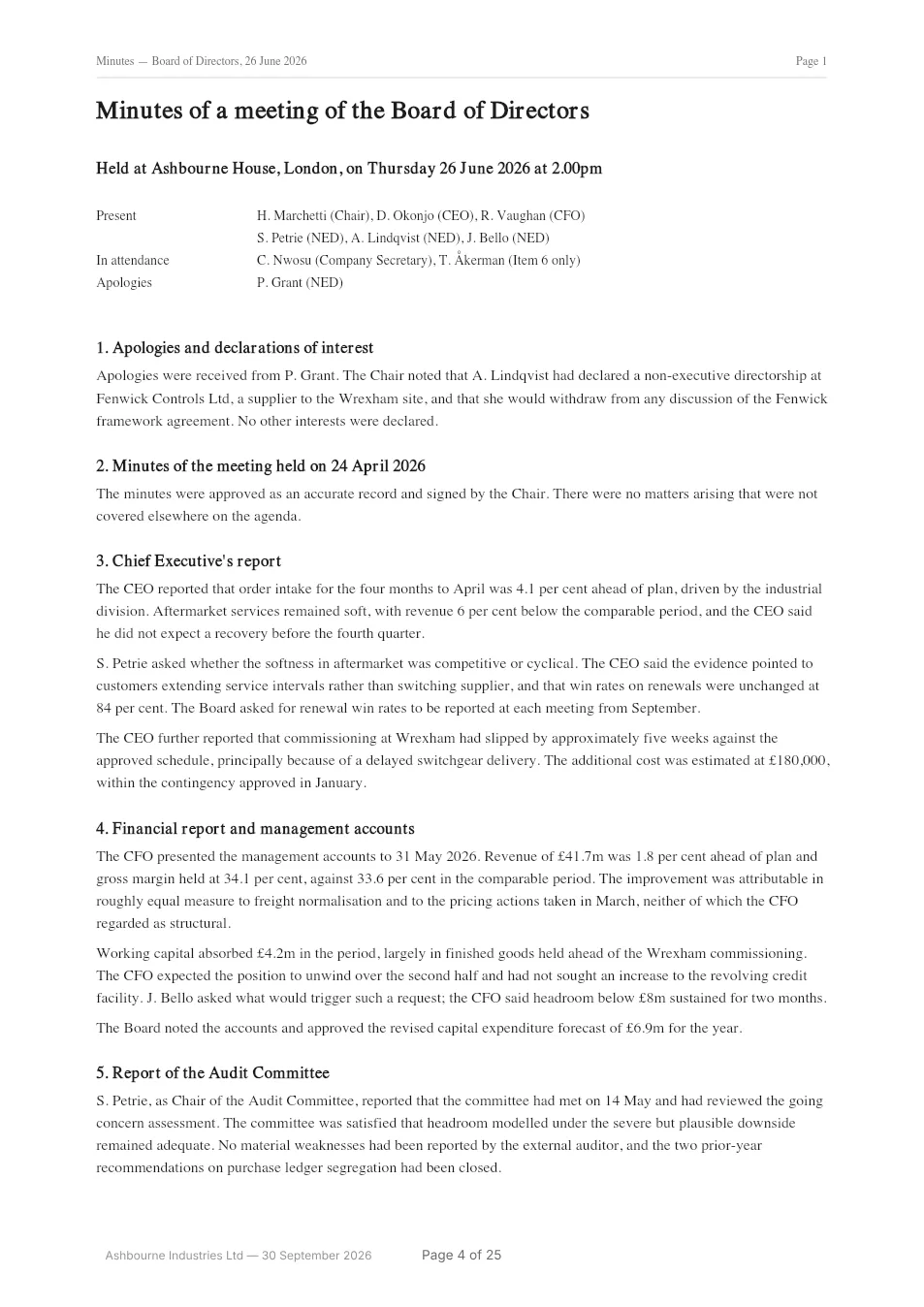
Here’s a complete pack for a made-up company, Ashbourne Industries Ltd: 25 pages and 8 papers, built with this tool from eight ordinary PDFs. Download it and try the bookmarks.
The contents page
Page 2
A section divider
Page 3
Your document, as it arrived
Page 4
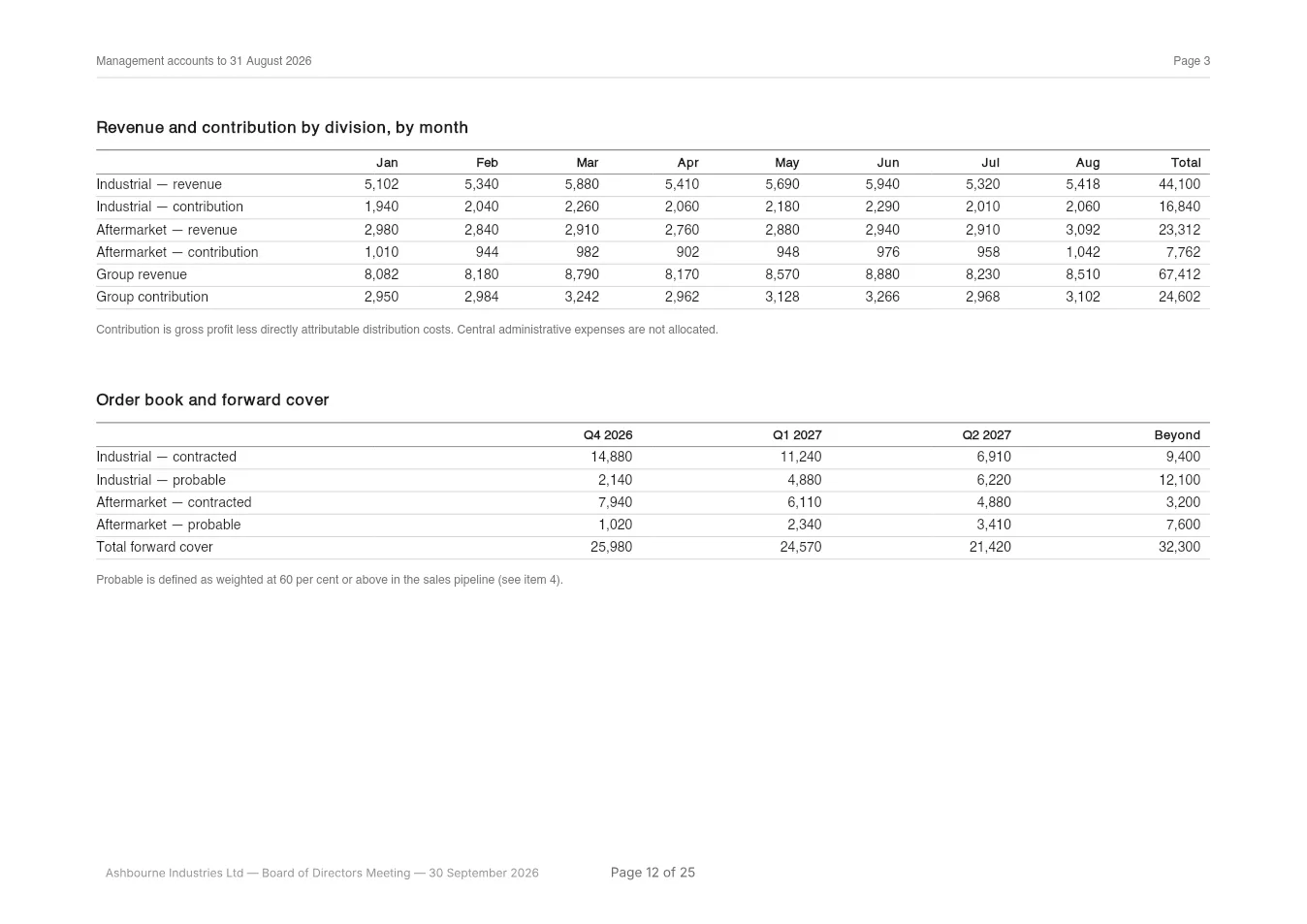
A landscape page
Page 12
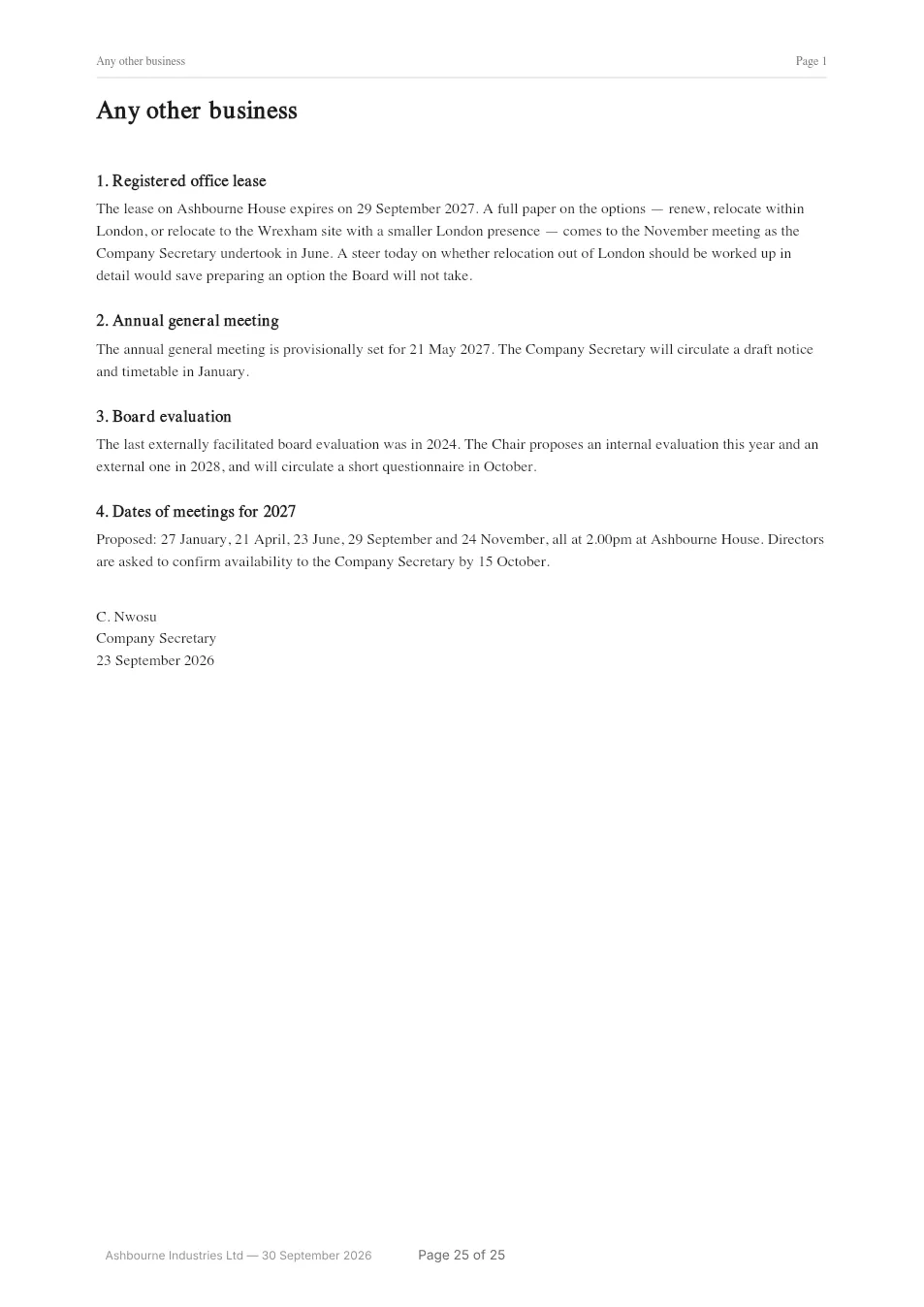
The last page
Page 25
Pricing
Pay per pack. That’s all.
No subscription, no seats, no annual contract. Preview as often as you like for free and pay only when you download the finished pack.
One board pack
€12
That’s the total. No VAT is charged (§ 19 UStG), and there’s nothing else to buy.
Try it free. You only pay to download.
- Up to 25 PDFs and 400 pages of papers
- Cover, contents page and section dividers
- Continuous page numbers in your choice of style
- Bookmarks and a clickable contents page
- Your organisation and meeting in the footer
- Free watermarked preview before you pay
- Refund on request
FAQ
Questions people ask
Something we haven’t covered? Email hello@boardpackfactory.com and a real person will get back to you.
Do I need an account?
No. There’s no sign-up and no password. You build the pack, preview it, pay and download. Checkout asks for an email address so we can send your receipt and order confirmation.
Are my documents stored anywhere?
Not on our servers. Your PDFs are processed by your own browser and never uploaded: the merge, the cover, the contents page, the page numbers and the bookmarks all happen on your device. While you work, a draft is kept in this browser so a refresh doesn’t lose it. You can delete it from the builder whenever you like. It also goes when you start over, and a draft left alone for 24 hours is deleted the next time you open the builder. Our servers only ever see the payment, which you can confirm in your browser’s network tab.
Does the confidentiality label protect the PDF?
No. It’s text printed on the cover and, if you choose, in the footer of every page, telling readers the pack is confidential. It doesn’t encrypt the file, add a password or restrict who can open it, so send the pack however you usually send board papers.
Can I use Word or Excel files?
Not yet. Save them as PDF first; Word, Excel, Pages, Numbers and Google Docs can all do that in a couple of clicks. Accepting the originals would mean converting them on a server, and we’d rather your papers never went near one.
Can I change the order of the papers?
Yes. Drag them, or use the keyboard if you prefer. You can edit every title and type your own agenda numbers, including sub-items like 3.1.
Does the pack include bookmarks?
Yes. There’s one for the contents page and one for each paper, so a director reading on a tablet can jump straight to the finance report. They’re added for you.
How big can a pack be?
Up to 25 PDFs, 50 MB each and 100 MB in total, with up to 400 pages of papers. The cover, contents page and dividers we add don’t count towards the 400, so the finished pack is a few pages longer than your papers.
Can I use this for a committee, trustee or association meeting?
Yes. Nothing in the tool assumes a company board. It works just as well for trustee meetings, subcommittees, management meetings, AGMs and residents’ associations. If there’s an agenda and a set of papers, it’ll work.
Can I put my organisation’s logo on the cover?
Not yet. Your organisation’s name goes on the cover and in the footer of every page. A logo is top of the list if people ask for it.
What if the pack comes out wrong?
Email us and we’ll refund it. You also get a free watermarked preview first, so you can check the cover, the contents page and the numbering before you pay anything.
Your next board pack, done in minutes.
Drop in the papers, drag them into agenda order and download one tidy PDF with a cover, contents, page numbers and bookmarks.
- Free preview
- No account
- Nothing uploaded